Update Secret
The Update Secret task is used to update the value of a secret already stored in Conductor, or create the secret if it does not exist.
The task requires a secretKey and a secretValue. If the secret already exists and the user who started the workflow does not have permission to modify it, the task fails. If the secret does not exist, the task creates it and gives that user access to it.
Task parameters
Configure these parameters for the Update Secret task.
| Parameter | Description | Required/ Optional |
|---|---|---|
| inputParameters._secrets | A nested object within inputParameters containing the secretKey and secretValue fields.If _secrets is missing or is not an object, the workflow fails. |
Required. |
| inputParameters._secrets.secretKey | The name of the secret key to be updated. It can be passed as a dynamic variable. Must contain only letters, numbers, underscores (_), or hyphens (-). If blank, the workflow fails. |
Required. |
| inputParameters._secrets.secretValue | The new value for the secret key. It can be passed as a dynamic variable. Non-string values are stored as text. If blank, the workflow fails. |
Required. |
The following are generic configuration parameters that can be applied to the task and are not specific to the Update Secret task.
Other generic parameters
Here are other parameters for configuring the task behavior.
| Parameter | Description | Required/ Optional |
|---|---|---|
| optional | Whether the task is optional. If set to true, any task failure is ignored, and the workflow continues with the task status updated to COMPLETED_WITH_ERRORS. However, the task must reach a terminal state. If the task remains incomplete, the workflow waits until it reaches a terminal state before proceeding. |
Optional. |
Task configuration
This is the task configuration for an Update Secret task.
{
     "name": "update_secret",
     "taskReferenceName": "update_secret_ref",
     "inputParameters": {
       "_secrets": {
         "secretKey": "my_token",
         "secretValue": "input secret value here"
       }
     },
     "type": "UPDATE_SECRET"
}
Task output
This task does not return any output. The secret is updated with the value passed, or created if it does not exist. The _secrets input is masked (***) in the execution details, including any workflow input values passed into it.
Examples
Here are some examples for using the Update Secret task.
Using Update Secret task in a workflow
To demonstrate the Update Secret task, consider the following secret already saved in Conductor.
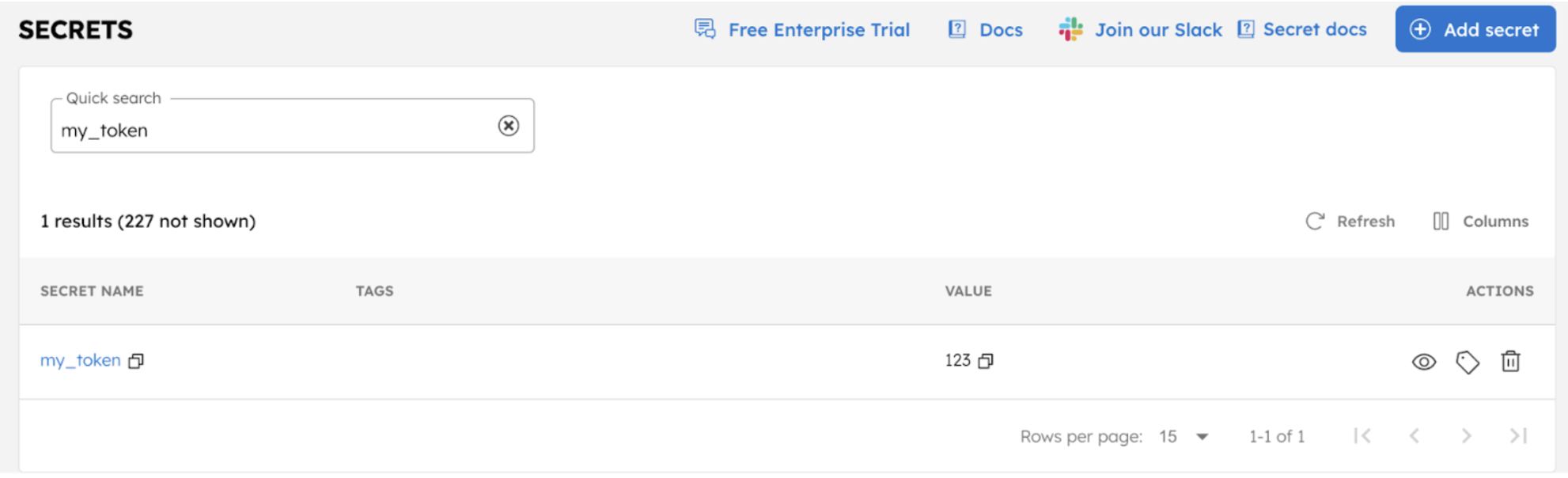
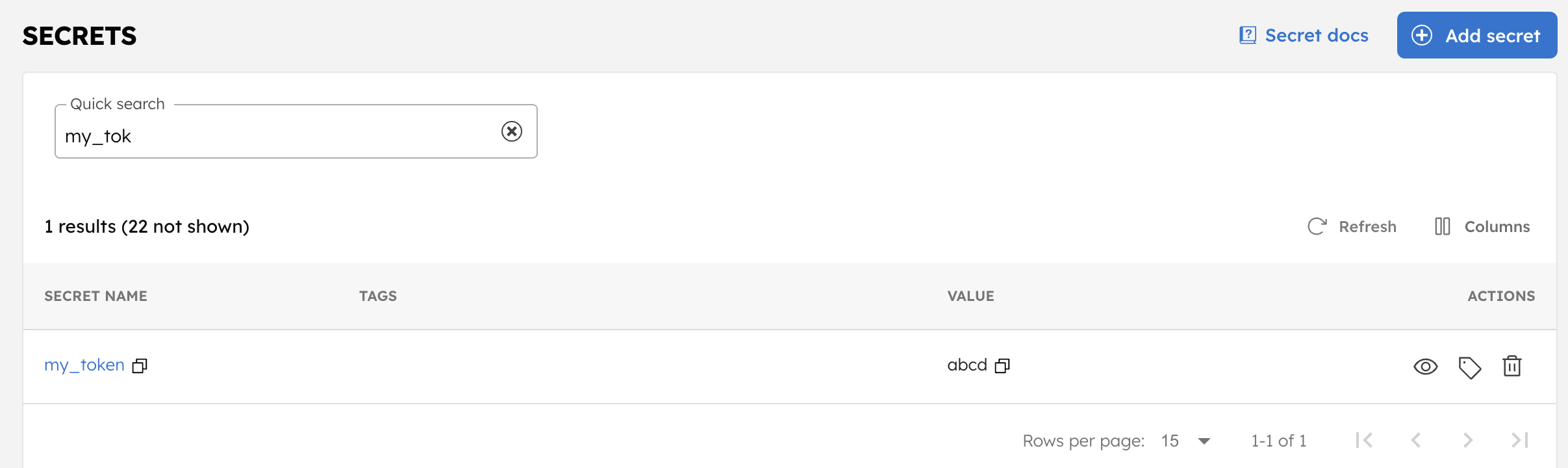
The following workflow updates the value of the my_token secret to abcd.
To create a workflow:
- Go to Definitions > Workflow, from the left navigation menu on your Conductor cluster.
- Select + Define workflow.
- In the Code tab, paste the following workflow definition:
{
 "name": "UpdateSecretDemo",
 "description": "Sample workflow",
 "version": 1,
 "tasks": [
   {
     "name": "update_secret_task",
     "taskReferenceName": "update_secret_task_ref",
     "inputParameters": {
       "_secrets": {
         "secretKey": "my_token",
         "secretValue": "abcd"
       }
     },
     "type": "UPDATE_SECRET"
   }
 ],
 "schemaVersion": 2
}
- Save the workflow.
- Select Execute to run the workflow.
Once the execution is successful, navigate to Definitions > Secrets, search for the secret name, and select the eye icon to verify the updated secret value.